Keystone Offset Correction: What It Means for Projectors
What is keystone offset correction in a projector?
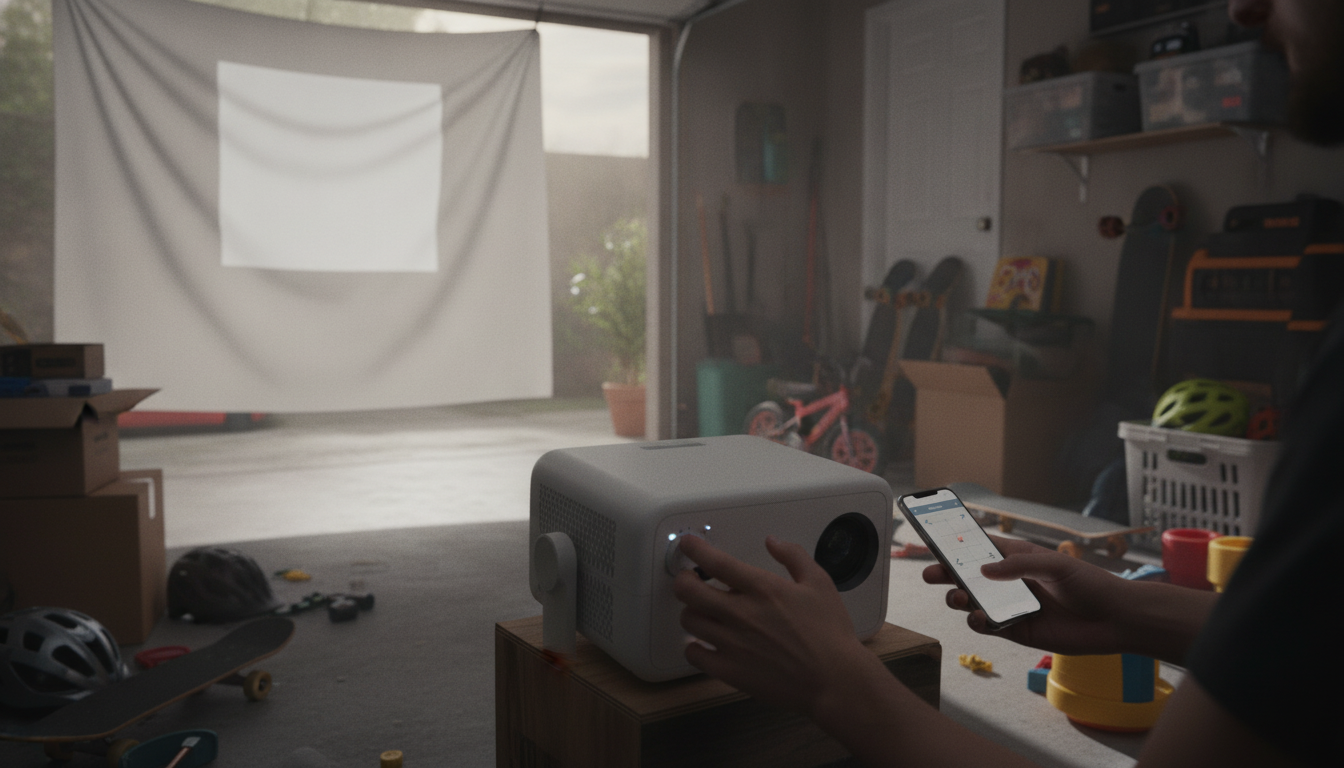
Keystone offset correction is a projector feature that straightens the image when the projector isn’t perfectly centered or level with the screen. When a projector sits too high, too low, or slightly off to one side, the picture can look like a trapezoid—wider at the top or bottom, or skewed left/right. Keystone correction digitally reshapes the projected image so it appears rectangular again.
How keystone offset correction works
Most keystone systems adjust the picture by scaling and re-mapping pixels. Basic models offer vertical keystone (top/bottom), while more advanced units add horizontal keystone (left/right) or even 4-corner correction that lets you adjust each corner independently. Some projectors do this automatically using sensors (“auto keystone”), while others require manual adjustment in the settings menu.
What “offset” usually means in practice
In everyday setup, “offset” refers to a physical mismatch between the projector’s lens position/angle and the screen. Keystone offset correction is what helps compensate for that mismatch without needing to re-mount the projector. It’s especially handy for quick living-room setups, ceiling mounts that aren’t perfectly aligned, or projecting from a coffee table where the lens naturally sits below the screen.
When to use it (and when not to)
Keystone correction is useful for convenience, but it can slightly reduce sharpness because the projector is digitally manipulating the image. For the crispest 4K-like detail, it’s best to keep the projector as square to the screen as possible and rely on physical placement, lens shift (if available), and proper mounting. Use keystone as a finishing tool when perfect alignment isn’t practical.
For step-by-step placement tips, auto-focus notes, and setup troubleshooting, see the full guide here: https://epicdealsstation.shop/guide-650-ansi-4k-projector-auto-focus-keystone-setup-tips/.
FAQ
Does keystone correction reduce image quality?
It can. Because the projector digitally resizes and re-maps the picture, fine detail may look a bit softer compared with a perfectly aligned projection.









Leave a comment